
DOCX
Documents
Select a page, honor Word page breaks or fit the content on a single page. Include headers, footers, footnotes and endnotes when your preview needs them.
Options and API reference →Document conversion
A document page, a spreadsheet range, a presentation slide. Turn the part you need into an image, with controls made for each format.
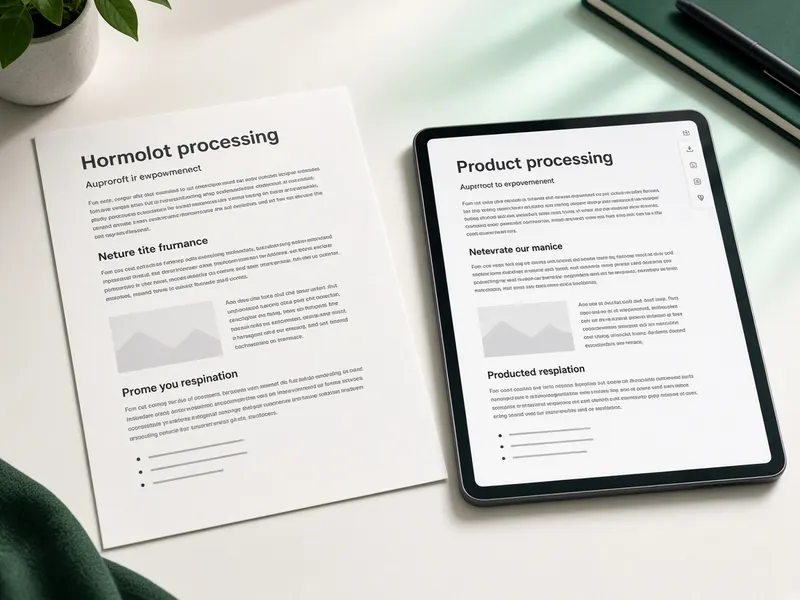
DOCX · XLSX · PPTX
Upload an Office document, choose a page, sheet or slide, and set your output. Preview the result, download it or save it privately in your project.
Build document previews for a content library, export a report section or prepare a slide for an article—without asking your audience to open the original file.
The right controls for the source
DOCX
Select a page, honor Word page breaks or fit the content on a single page. Include headers, footers, footnotes and endnotes when your preview needs them.
Options and API reference →XLSX
Choose a worksheet, capture a cell range or use print layout. Control gridlines and paper size to make tables and report sections easier to read.
Options and API reference →PPTX
Choose a slide and export it at your preferred scale and quality. Create static previews for decks, articles and resource libraries.
Options and API reference →An image that fits your workflow
Export PNG for crisp graphics, JPEG for photographic content or WebP for web use. Set scale and quality to balance readability and file size.
Each conversion produces one selected page, sheet or slide. Complex Office layouts and fonts can render differently from the original application; review the result before publishing.
Explore PDF tools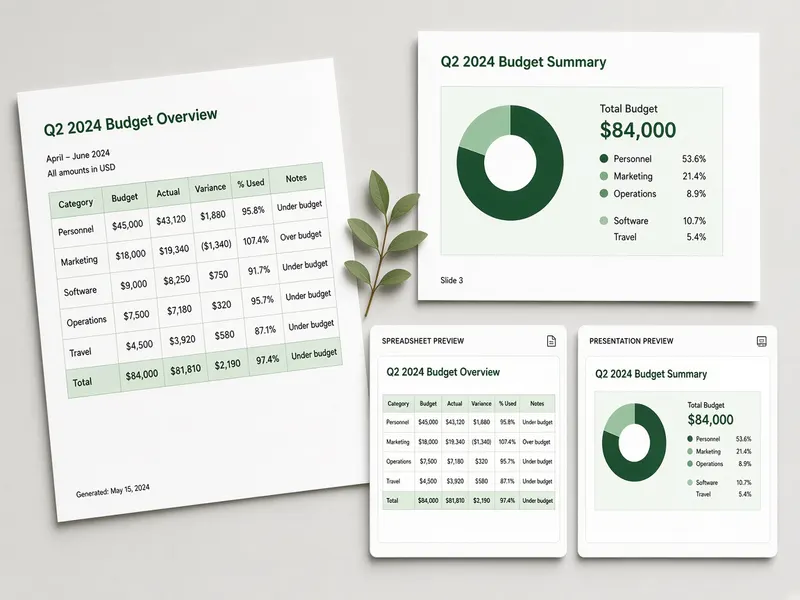
Choose format, scale, quality and the source selection.
Get a private download when processing completes.
Keep the completed image in Outputs for later authenticated access.
For developers
Request a credit quote, upload the source and receive a job ID. Check its status, then download or save the completed image. Project keys stay on your server.
Follow the conversion API workflowBuild with Imazeo
Create an account, set up a project and make your first API request.