
PDF tools
Render, merge and extract PDF pages.
Create page previews, combine documents or select pages for a new PDF. Inspect page counts and dimensions before processing.
PDF → image
Preview a document without opening it.
Render selected pages as PNG, JPEG or WebP. Choose a scale and output quality for document galleries, review screens and application previews.
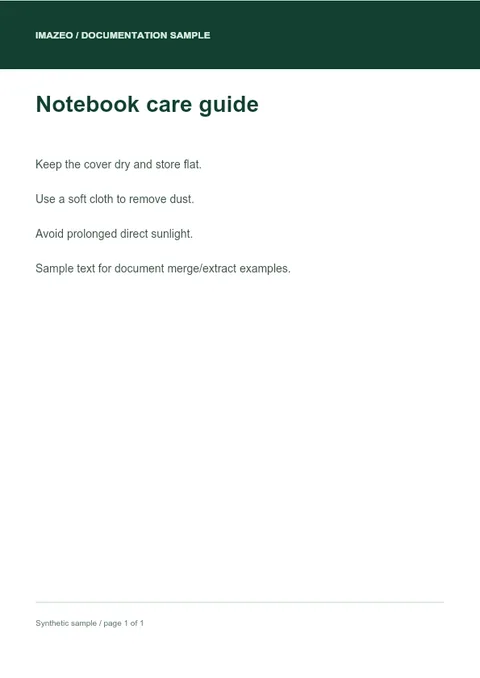
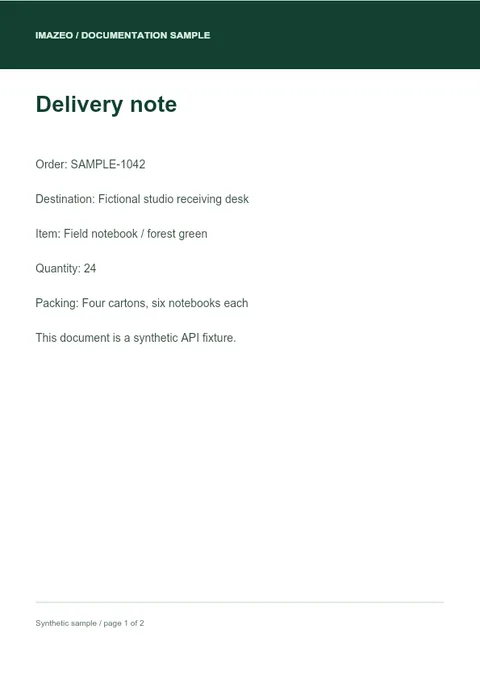
Inspect, combine or select pages.
- Inspect
- Read the page count and page dimensions before choosing what to render.
- Merge
- Combine uploaded PDFs in their submitted order into one PDF response.
- Extract
- Select individual pages or a range and receive a new PDF containing that selection.
One page, one image
Select the page. Set the format.
Upload a PDF with a project API key. A single rendered page returns image bytes; multiple pages return a JSON envelope with base64 image data.
Build a PDF requestcurl --fail-with-body "$IMAZEO_API_ORIGIN/v1/projects/$IMAZEO_PROJECT_ID/tools/pdf/render?pages=1&format=webp&scale=1" \
-H "X-API-Key: $IMAZEO_API_KEY" \
-F "file=@lookbook.pdf" --output page.webpOutputs
Generate an output, then choose what to keep.
PDF tool responses are returned without saving an output media file. File size, page count, scale and concurrent processing are bounded. Operations consume credits. To keep a supported result in your project, make a separate Save request.
- Generate
- Return bytes
- Optional save
Build with Imazeo
Start with your first project.
Create an account, set up a project and make your first API request.