
Image API
Resize, crop and convert your images.
Create the dimensions and formats your application needs. Adjust color and detail, using an uploaded original or a remote URL when enabled for your account.
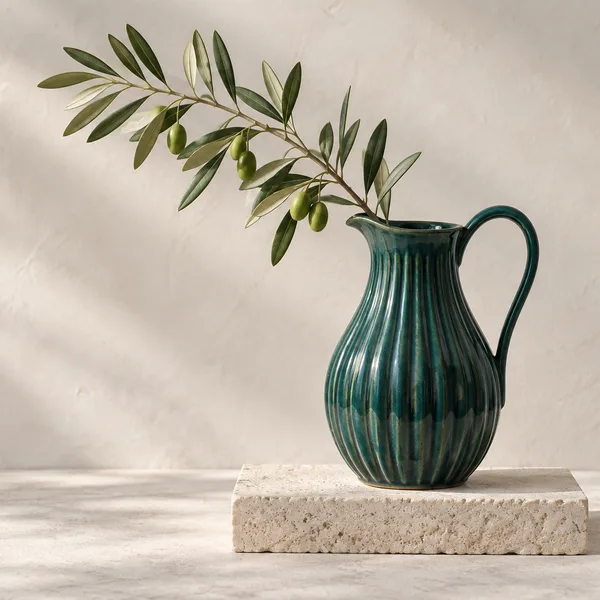
600 × 600 · WebP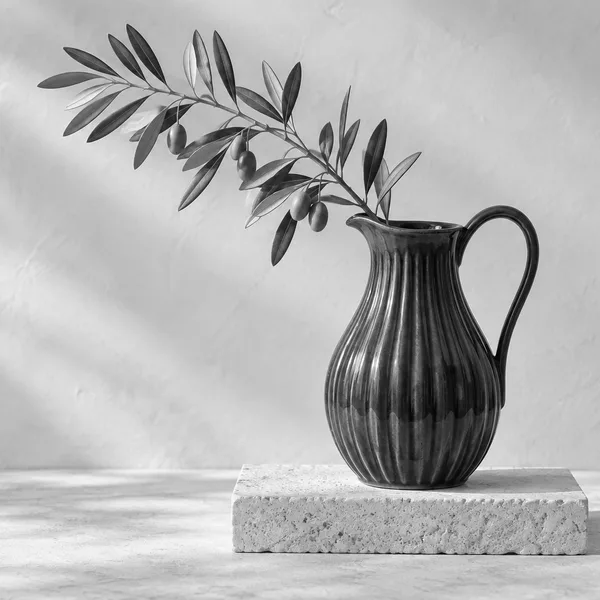
grayscale: true
blur: 4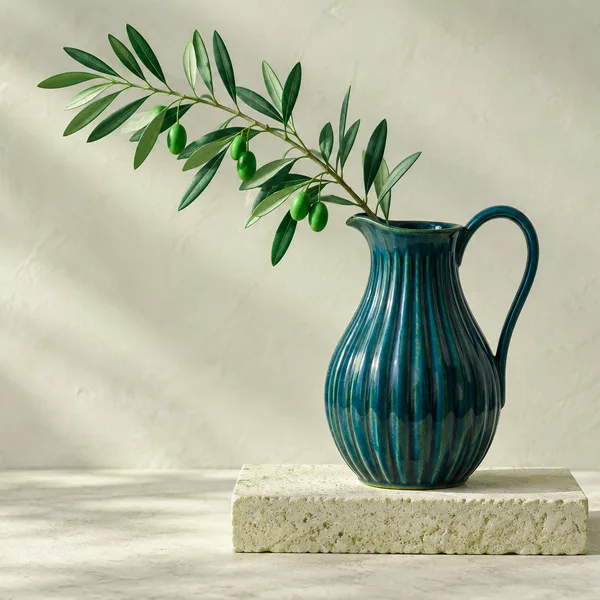
hue: 30 · saturation: 1.5Precomputed transformations of our original studio photograph. View the options behind each transformation.
Composition controls
Four ways to fit an image.
Cover, contain and fill require both width and height. Inside fits within the dimensions you supply.
coverFill, then crop
Preserve proportions and crop centrally to fill both dimensions.
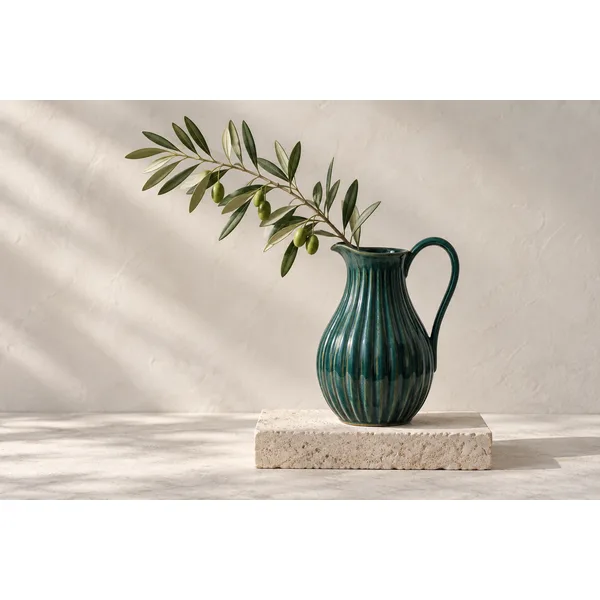
containKeep every edge
Preserve proportions and add white padding to fill both dimensions.
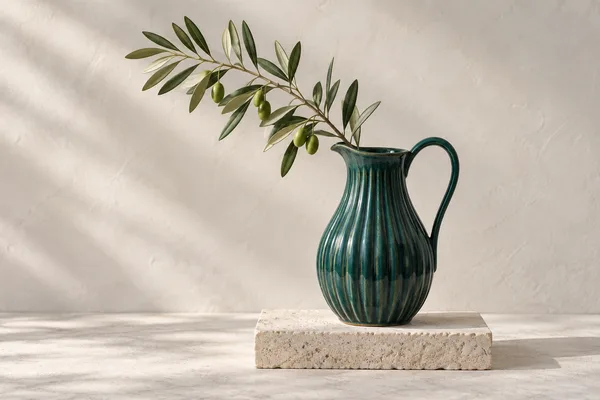
insideFit within bounds
Preserve proportions within the supplied bounds. Output need not fill the box.
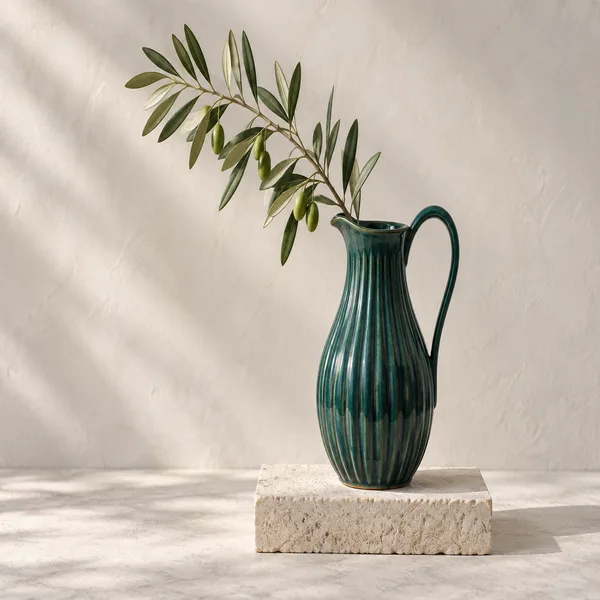
fillMatch the box
Stretch to the exact width and height, changing proportions if needed.
Precomputed 600 × 600 requests. Inside produces a 600 × 400 image; the other examples fill a square.
Beyond resizing
Adjust composition, color and detail.
Use attention or entropy cropping to choose a region automatically. Trim uniform edges, set a precise crop, rotate in right angles or add padding. Fine-tune brightness, saturation and hue, then apply grayscale, negative, blur or sharpen effects.
- Dimensions & fit
- Set width, height and how the image fits those dimensions.
- Color & detail
- Brightness, saturation and hue controls; grayscale, negative, blur and sharpening.
- Quality & optimization
- Choose encoder quality from 1–100 and bounded optimization effort. Output size depends on the source and settings.
- Metadata
- Derivatives omit EXIF, GPS and ICC metadata. Uploaded originals retain their bytes.
Output formats
Choose the encoder for the job.
| Format | Quality control | Considerations |
|---|---|---|
| JPEG | Encoder quality | Static output for photographic content. |
| PNG | Palette quantization | Quality changes palette behavior, not JPEG-style quality. |
| WebP | Encoder quality | Default output format; supported animation workflows. |
| AVIF | Encoder quality | Static output; evaluate encoding cost for your workload. |
| GIF | Palette colors | Supported animation workflows with palette constraints. |
Animation preservation is limited to supported GIF/WebP workflows. Animated crop, rotation, flip/flop, contain and advanced effects are rejected. SVG is a restricted input format for rasterization, not an output format.
Request example
A square crop, encoded as WebP.
This example requests a 600 × 600 centered crop in cache mode. The response is image bytes.
Replace the example image and project IDs with your own, and include your project API key. For a complete command, follow the image quickstart.
{
  "imageId": "00000000-0000-4000-8000-000000000001",
  "mode": "CACHE",
  "transform": {
    "width": 600,
    "height": 600,
    "fit": "cover",
    "format": "webp",
    "quality": 80
  }
}
Operating bounds
Work within explicit limits.
Upload size, decoded pixels, dimensions, output bytes, processing credits, storage and bandwidth are bounded. View the limits assigned to your account in the Customer portal.
Remote sources are conditional.
Remote URL input requires the corresponding account entitlement. Fetching is restricted to permitted publicly routable HTTP(S) destinations and bounded by network and media limits.
Cache hits still transfer bytes.
Reusing an output can avoid repeat processing, but serving it still counts toward bandwidth usage.
Next workflows
Apply the API to your image workflow.
Build with Imazeo
Start with your first project.
Create an account, set up a project and make your first API request.