Control project access
Project-scoped keys keep media access within its project. Create and revoke keys from your account.
Media tools for developers
Resize and convert images, prepare PDFs, and generate QR codes and barcodes. Use the API from your server or the tools in your workspace.
Start with Free. Keep API keys on your server.

A practical toolkit
Image processing
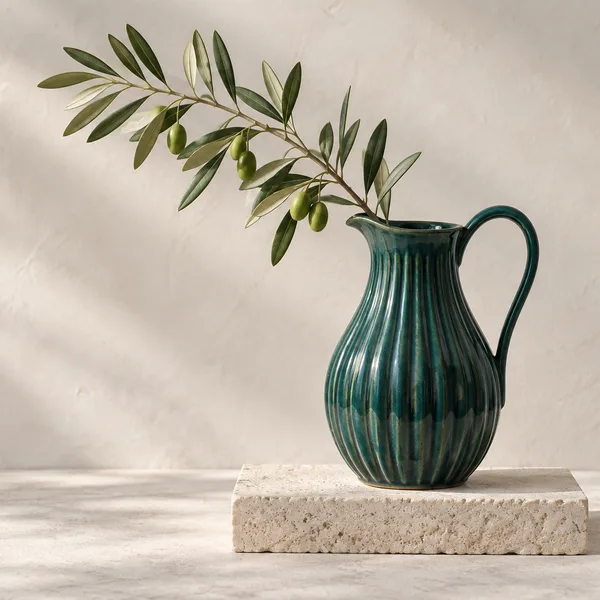
Crop for a product tile. Adjust the color. Apply blur. Encode the result for your application.
600 × 600 · WebP
grayscale: true
blur: 4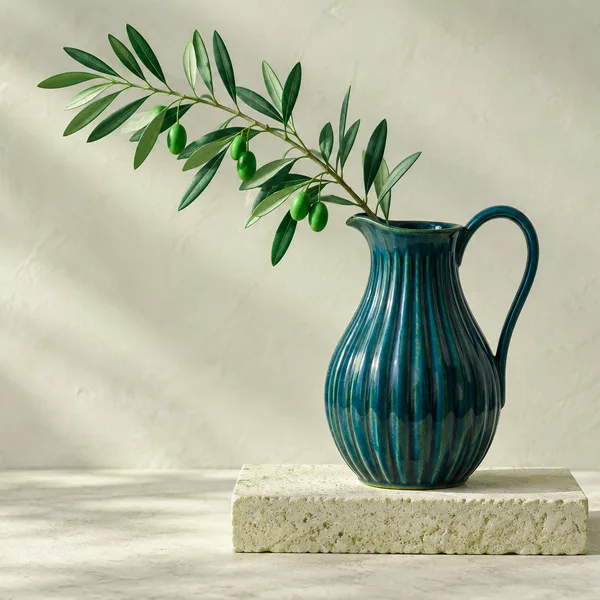
hue: 30 · saturation: 1.5A request you can read
Choose dimensions, fit and format. Use an uploaded original, or a remote URL when enabled for your account.
Build your first transformation{
"imageId": "00000000-0000-4000-8000-000000000001",
"mode": "CACHE",
"transform": {
"width": 600,
"height": 600,
"fit": "cover",
"format": "webp",
"quality": 80
}
}Turn each page
into a preview.
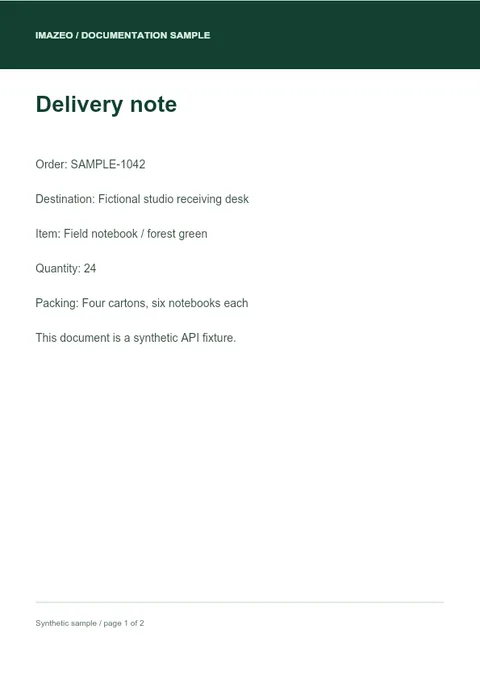
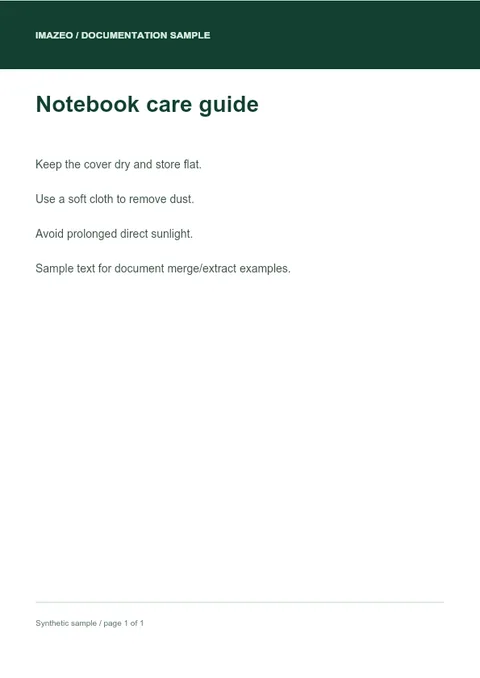 PDF → WEBP
Document workflows
Render a PDF page as an image for a preview. Merge related files into one document, or extract selected pages for the next step in your workflow.
Explore PDF toolsCode generation
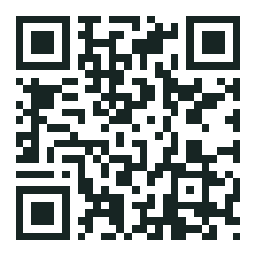
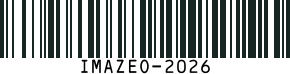
Generate QR codes and six barcode types with explicit content, size and color controls. Receive PNG or SVG ready to use in your application.
Explore QR codes & barcodesSCAN / EXAMPLE CATALOGGive every item
a useful code.
CODE 128 / IMAZEO-2026Built around your integration
Project-scoped keys keep media access within its project. Create and revoke keys from your account.
Track credits, storage and bandwidth against your assigned limits in the Customer portal.
Explicit dimensions, formats and processing options make requests easy to inspect and reproduce.
Build with Imazeo
Create an account, set up a project and make your first API request.